

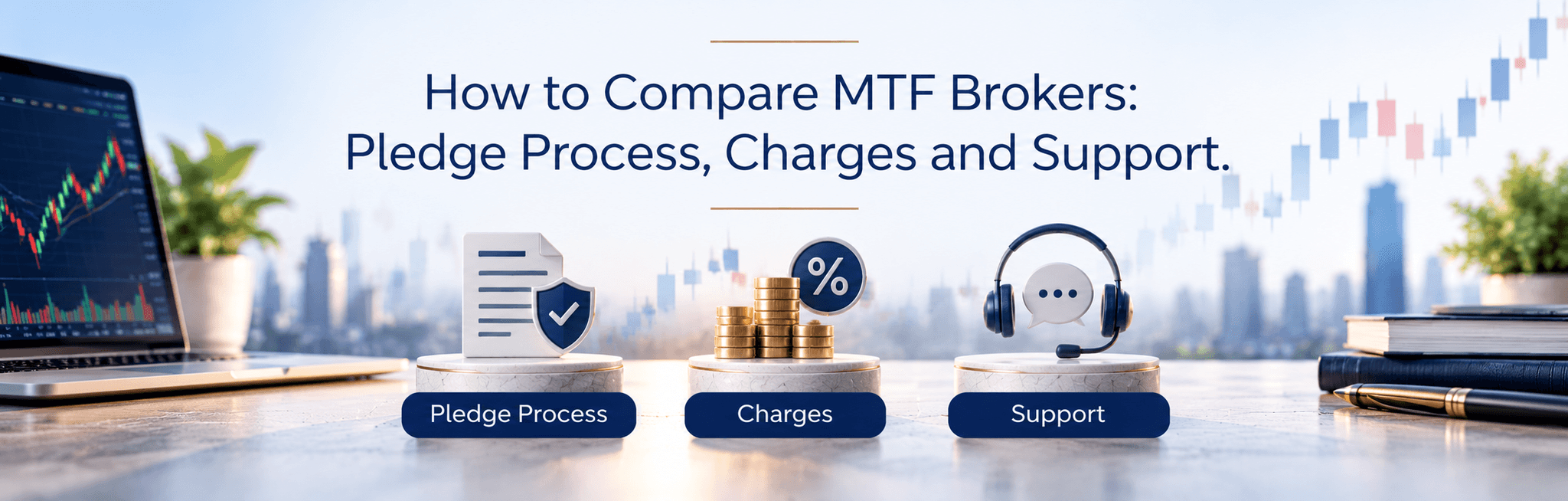
An investor prepares to place a margin-funded order during a fast-moving market, but the app still shows a pledge as “pending”. Are the shares available as collateral? Will closing the position release them automatically? An NSDL pledge may sound like a back-office detail, yet uncertainty around it can affect trading decisions.
A low advertised funding rate doesn’t answer those questions. Before choosing a broker, investors need to understand how pledges become active, where margin availability appears and what happens when an obligation ends. During sharp price movements, unclear collateral balances or a slow support response can become especially troublesome.
The strongest comparison starts with documented processes, not promises of convenience. Funding costs deserve attention, but so do release conditions and margin-shortfall rules. MTF involves leverage: borrowed exposure can magnify losses as well as gains, and it isn’t suitable for everyone.
What MTF funds, and why shares are pledged
A margin trading facility, or MTF, lets an investor purchase eligible shares with an investor-funded contribution and a broker-funded balance. The broker charges for the outstanding funding. Eligibility, contribution requirements and permitted holding conditions depend on applicable rules and the broker’s terms.
Two types of securities need separate attention: existing holdings accepted as margin collateral, and shares purchased using MTF funding. Their treatment and pledge arrangements need not be identical. A pledge against existing holdings should never be mistaken for automatic approval to borrow against every share in the account.
Collateral means assets accepted as security against an obligation. A haircut reduces the value recognised for margin purposes: in a hypothetical example, securities worth ₹1,00,000 with a 20% haircut would count as ₹80,000 before other restrictions. That figure is collateral value, not necessarily spendable cash or approved MTF buying power.
The depository framework records securities pledged under the applicable arrangement; SEBI’s pledge and re-pledge framework addresses securities used for margin obligations. Pledging isn’t selling: the investor retains exposure to price movements, but the securities become encumbered, meaning their use is restricted. If recognised collateral or account equity falls below requirements, a margin call asks the investor to restore the shortfall.
How an NSDL pledge moves from request to release
A submitted request isn’t the same as an active pledge. NSDL’s margin-pledge documentation explains the depository-side mechanism, while the broker’s instructions determine the customer-facing journey. Check both rather than assuming that every broker uses identical screens or authorisation methods.
The broad sequence is:
- Initiate the request. Select eligible securities and quantities through the broker’s supported channel. Check whether the request concerns existing collateral or MTF-funded holdings, and confirm the intended pledgee, the party receiving the security interest.
- Complete the required authorisation. Follow the applicable confirmation process, which may involve an electronic authentication step. Review security details before approving anything; never share an OTP with support staff.
- Check acceptance and margin recognition. Look for an accepted status, then verify the recognised collateral or available margin separately. Don’t assume an authorisation message means the broker has already updated buying power.
- Monitor the obligation. Track the funded balance and required margin alongside collateral valuation. Falling prices, changed haircuts or revised eligibility can affect the account.
- Settle and confirm release. Repay the funding or close the position through the supported process, then check outstanding charges and settlement conditions. Request unpledging where required and verify completion.
An unpledge releases the restriction associated with the pledge; NSDL’s pledge services documentation covers pledge creation and closure. Release may require the pledgee’s action or confirmation under the relevant process. Closing an order shouldn’t be treated as proof that securities are already free of restrictions.
Timelines can vary with authorisation, settlement and outstanding obligations. Ask for documented cut-offs and exception handling, including what happens after a failed confirmation. Partial release also needs checking: it may depend on the remaining collateral being sufficient.
Compare the workflow, not the marketing claim
“Digital pledging” tells only part of the story. A broker may accept requests online but leave customers uncertain about rejection reasons or release status. Ask for a walkthrough that follows one request through to completion, including a failed-request example.
Use the same criteria for every broker:
|
Criterion |
What to verify or ask |
Why it matters |
|
Digital requests |
Can requests and authorisations be completed remotely? |
Manual steps may add dependencies. |
|
Status visibility |
Are pending, accepted, rejected and released states distinct? |
Submission alone doesn’t confirm completion. |
|
Collateral updates |
When does accepted collateral appear as usable margin? |
Depository acceptance and buying power are separate checks. |
|
Unpledging |
Where is release requested, and what blocks it? |
Repayment may not complete every release step. |
|
Partial release |
Can selected quantities be released? |
Remaining obligations may restrict flexibility. |
|
Position closure |
What happens after sale or full repayment? |
Settlement and residual charges may still matter. |
|
Notifications and records |
Are confirmations and request references downloadable? |
Records help trace errors or disputes. |
|
Eligibility and haircuts |
Are current lists and valuation deductions visible? |
Portfolio value can exceed recognised collateral. |
|
Support and escalation |
What are service hours and escalation routes? |
Time-sensitive issues need a clear contact path. |
|
App clarity |
Can a customer find shortfalls and next steps quickly? |
Confusing screens become harder to use under pressure. |
Don’t award a broker full marks because a feature exists. Check whether its documentation explains the conditions, and record the date each answer was checked. A clear limitation is more useful than an unexplained assurance that everything happens automatically.
Work out the full holding cost
A position can rise in price and still fail to cover its costs. Daily MTF funding charges accumulate while the chargeable balance remains outstanding, according to the broker’s charging rules. Check when accrual starts and ends, whether non-trading days count, and when charges reach the ledger.
Compare the following separately:
- Funding charges: Annual or daily rate, funded-balance calculation, slabs and promotional conditions.
- Brokerage charges: Costs on entry and exit, including any MTF-specific pricing.
- Pledge-related charges: Pledge, unpledge or other depository fees where applicable, including the charging unit.
- Other costs: Applicable taxes and statutory levies, plus account maintenance or platform fees.
For a wholly illustrative calculation, assume ₹60,000 remains funded for 10 chargeable days at 12% annually, using simple interest and a 365-day basis. Funding cost would be ₹60,000 × 0.12 × 10 ÷ 365, or approximately ₹197.26. These aren’t broker rates, and the example excludes every other charge.
A margin trading calculator can help compare different holding periods using the same assumptions. Add estimated entry and exit costs to funding charges, then divide total costs by the quantity to estimate the price increase needed merely to cover costs. Calculators don’t predict returns, and their assumptions must match the tariff.
For a broker under consideration, inspect its current pricing and signed terms beside the calculator output. Readers evaluating JM Financial Services can start with its MTF product information and request the applicable tariff. Check effective dates rather than relying on an old promotional screenshot.
Get the account and order process ready
An equity trading account handles orders; a demat account holds securities electronically. Opening a share market account doesn’t necessarily activate MTF. Completed KYC, online trading registration where required, acceptance of risk disclosures and separate facility activation may be necessary.
Before placing an MTF order, confirm that the selected security is eligible and that the required contribution is available. The order journey should identify the MTF product, show the required margin and disclose estimated charges before submission. After execution, check the funded balance and any pending pledge action.
A displayed limit shouldn’t replace a review of the order details. Ask how rejected orders, partial executions and product conversion affect funding or pledge requirements. Relevant account and operating policies should be read alongside facility-specific terms, not treated as a substitute for them.
Risk checks before using borrowed funds
A hypothetical ₹1,00,000 purchase funded with ₹40,000 of investor money and ₹60,000 of borrowing loses ₹10,000 after a 10% price fall. Before costs, that loss equals 25% of the initial ₹40,000 contributions. The borrowing remains payable despite the fall in share value.
Collateral can fall at the same time as the funded position. A margin shortfall may trigger a demand for additional resources or liquidation under applicable rules and broker terms. Don’t assume support staff can extend a deadline, or that an exit order will execute at the intended price.
Before entry, record:
- Maximum acceptable loss: Include funding costs and the possibility of an exit worse than planned.
- Holding period and liquidity: Check whether the stock can be exited and how a longer holding period changes costs.
- Available cash: Identify funds that can actually reach the account within a margin-call deadline.
- Exit plan: Know how to reduce exposure, repay funding and track pledge release.
Pledged shares may remain unavailable for other uses until release conditions are met. During fast markets, practical readiness means knowing how to transfer funds and obtain support before a problem arises. SEBI’s Investor Charter explains investor rights and grievance-redressal expectations, but a complaint process isn’t an emergency trading remedy.
Choose transparency and operational reliability
The right MTF broker isn’t necessarily the one advertising the lowest rate. Its pledge workflow should be understandable, its collateral balances traceable and its charges clear enough to estimate before entry. Order usability and support need the same scrutiny.
Before activating the facility, compare current pricing with the eligible-security list, then read the pledge and unpledge instructions. Resolve unanswered questions about margin calls or release conditions in writing. Readers considering JM Financial Services should apply the same checks rather than treating brand familiarity as a substitute for reviewing terms.
MTF cannot remove market risk, and a convenient pledge process doesn’t make borrowing suitable for everyone. Choose only after the obligations and operating process fit the investor’s risk tolerance and trading needs
Frequently Asked Questions
Ask separately about pledge authorisation, acceptance and the broker’s margin update. Request the usual processing conditions and the route for tracing delays. The answer should identify where an active pledge appears, not merely promise a notification
Ask what happens after full repayment or position closure. Confirm whether release needs a separate request and whether selected quantities can be released. Outstanding obligations or settlement conditions should be explained in writing.
Request current eligible-security lists and haircut disclosures. Ask how valuation changes reach the account and how daily MTF charges are calculated. Pledge fees and brokerage should appear separately from funding charges.
Ask how shortfalls are communicated, what deadlines apply and when liquidation may occur. Verify support hours and the escalation route for a time-sensitive issue. Keep those details somewhere accessible outside the trading app.

Popular Blogs